
01
Grouped, flat & tree processes
Switch seamlessly between Apps / Background / System grouping, a flat table or a full parent-child tree—plus repo context for local dev servers.
Bytebrain360 is a dense, keyboard-first task manager written in Rust: live processes, per-core & GPU graphs, disk usage analyzer, open ports, network map, incoming alerts and services with minimal CPU and memory overhead.
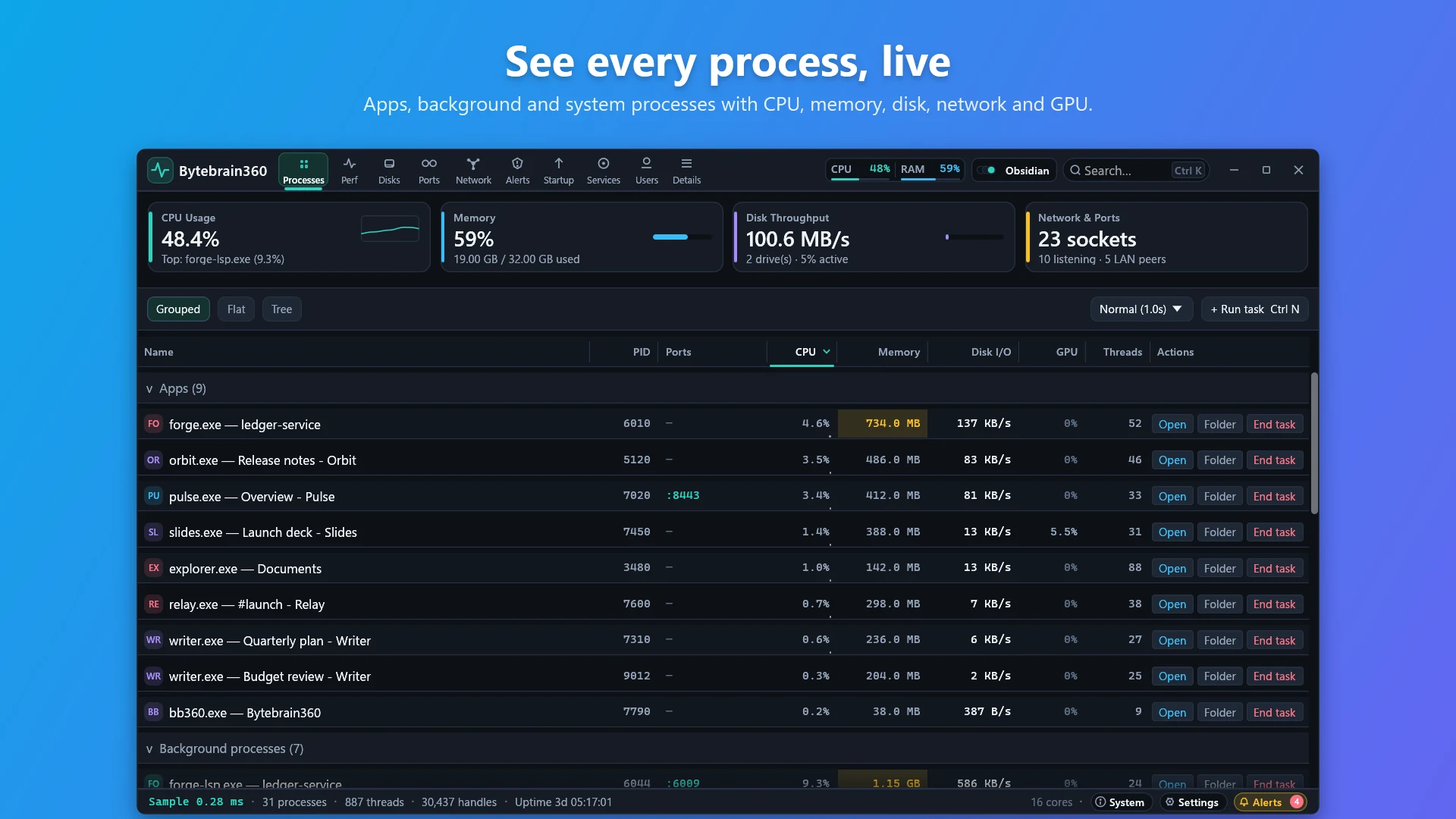
Grouped Apps / Background / System view with live CPU, RAM, GPU, Disk and Ports.
Every capture below comes directly from Bytebrain360's Rust UI—built for dark clarity, rapid triage and keyboard speed.
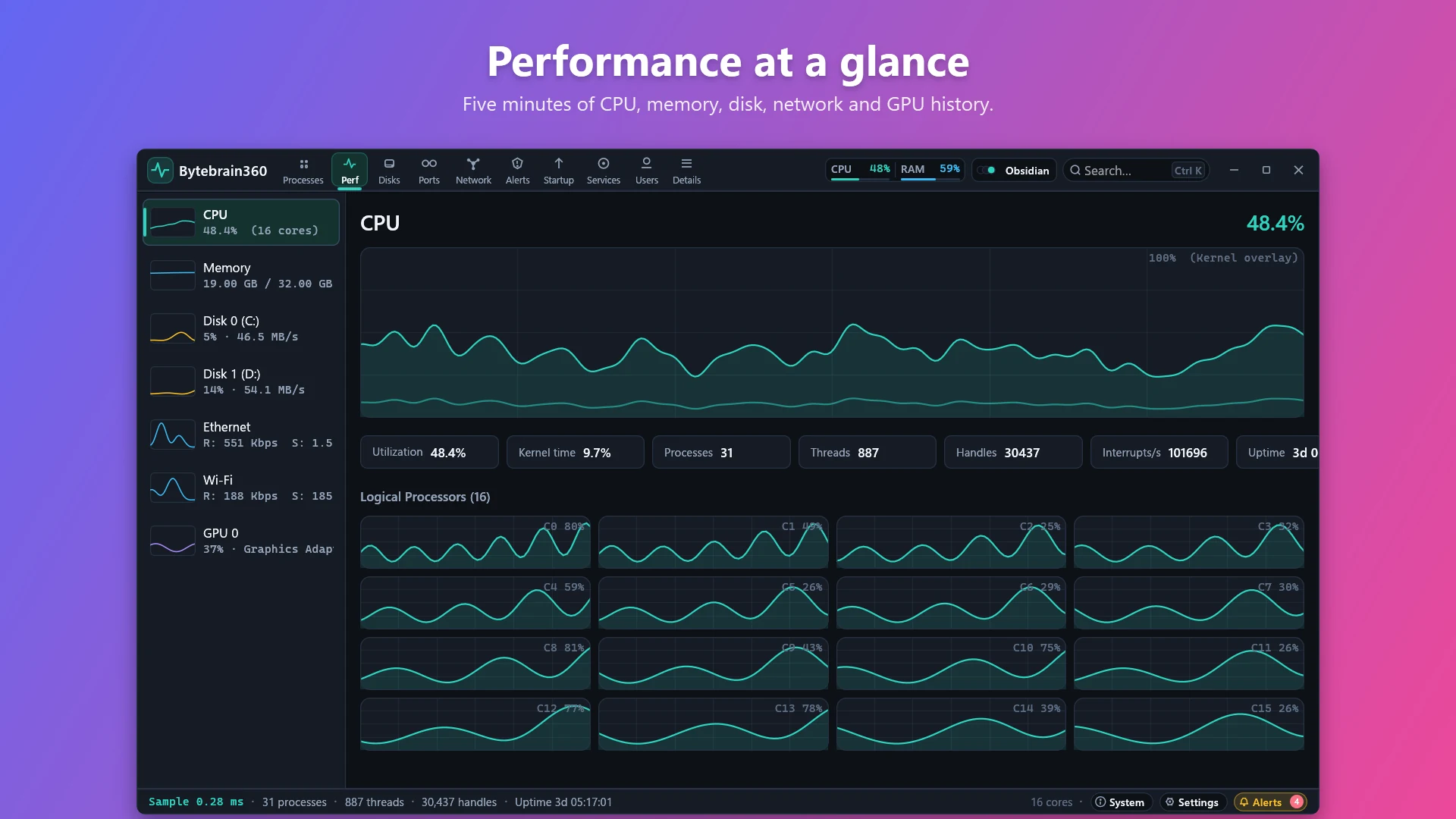
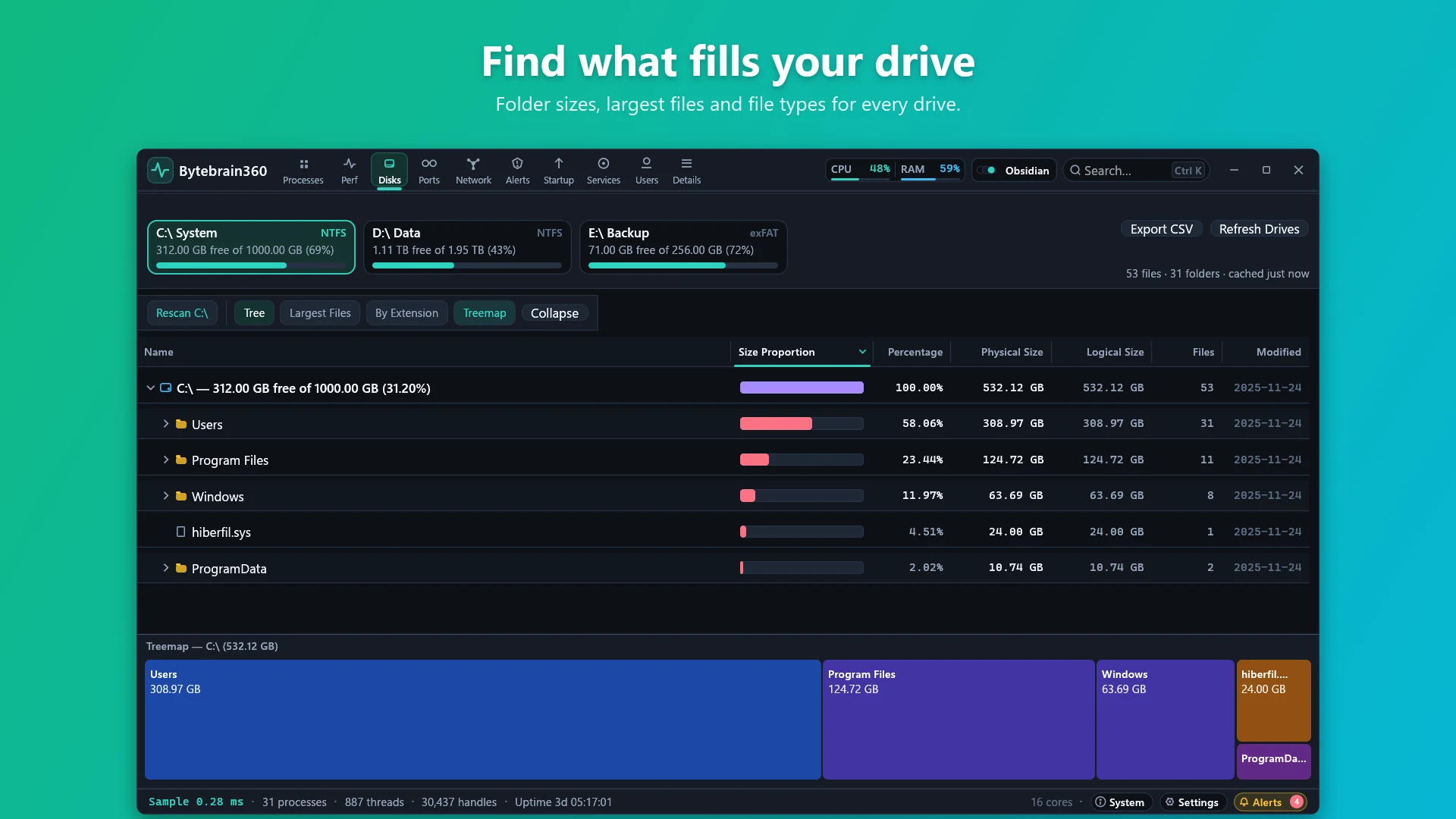
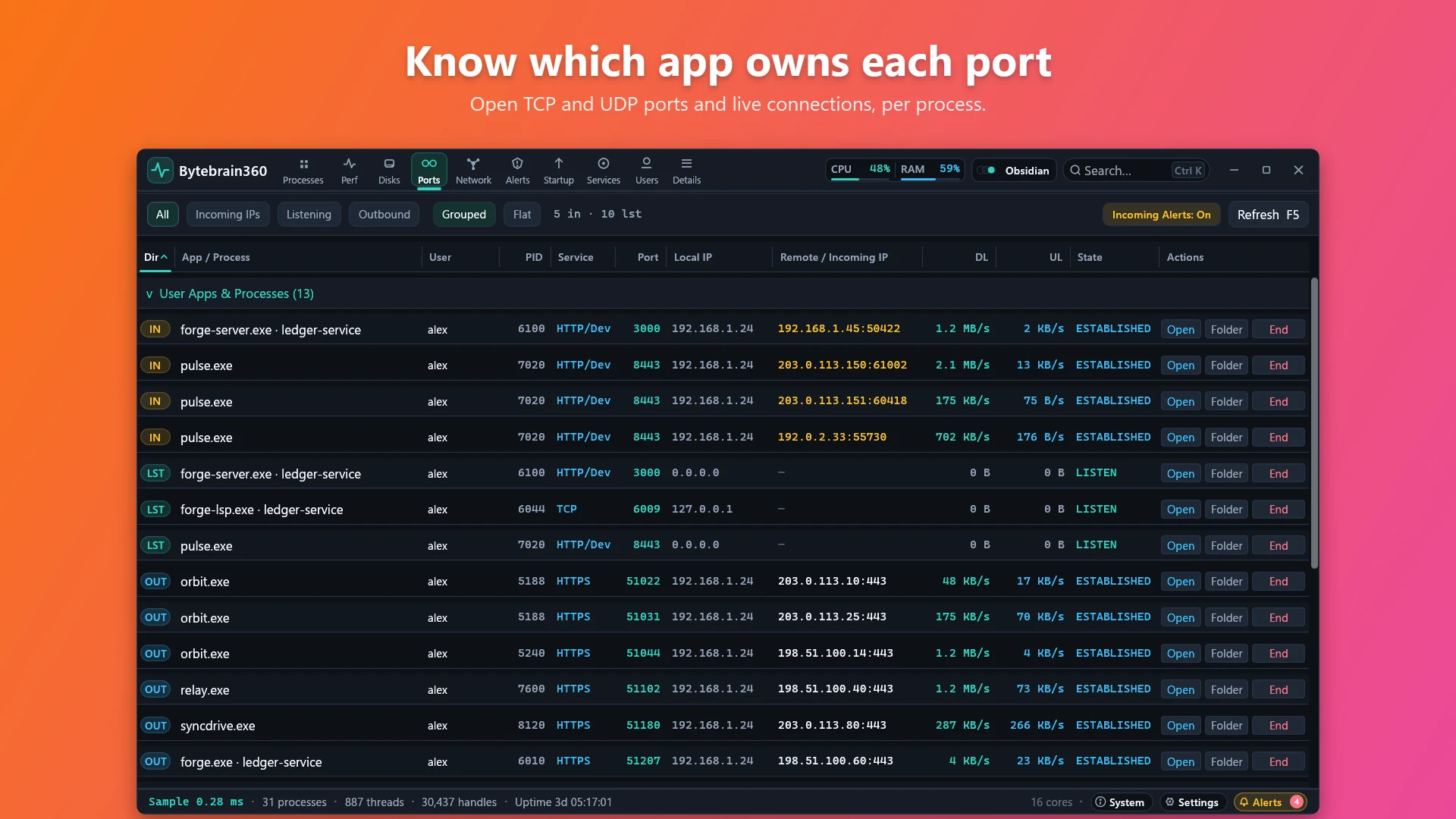
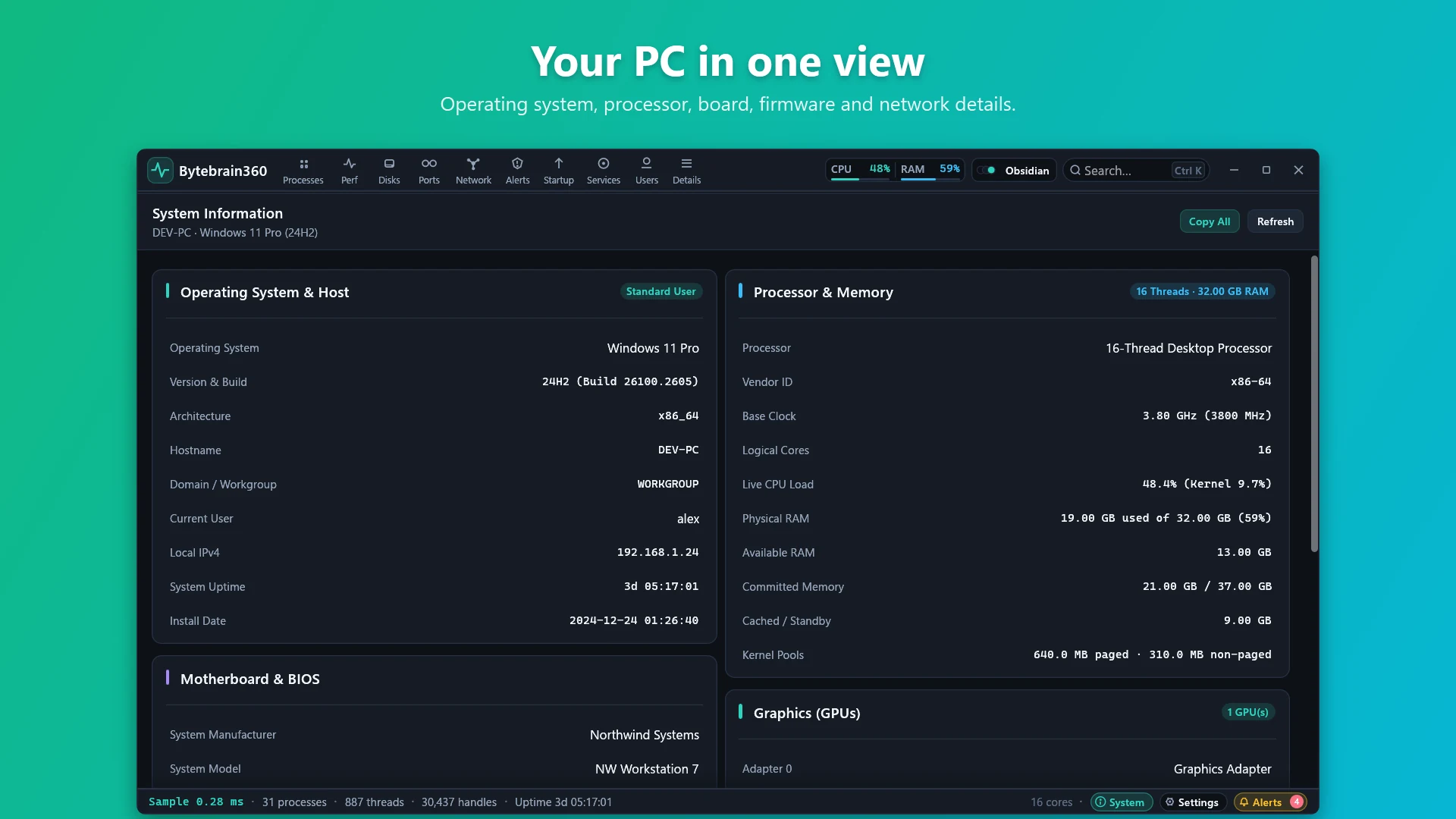
Everything needed to inspect processes, network activity, storage and startup services in one predictable tool.
Switch seamlessly between Apps / Background / System grouping, a flat table or a full parent-child tree—plus repo context for local dev servers.
End task or process tree, suspend and resume, set priority and CPU affinity, toggle Efficiency mode, analyze wait chains or create dump files.
Track per-core CPU load, memory pressure, disk queues, network throughput and per-engine GPU usage over a continuous five-minute rolling window.
Pinpoint what fills any drive with a cacheable folder tree, largest-files view, extension breakdown, visual treemap and CSV export.
See every listening socket and active TCP/UDP peer alongside its owning executable, PID and real-time download/upload transfer speeds.
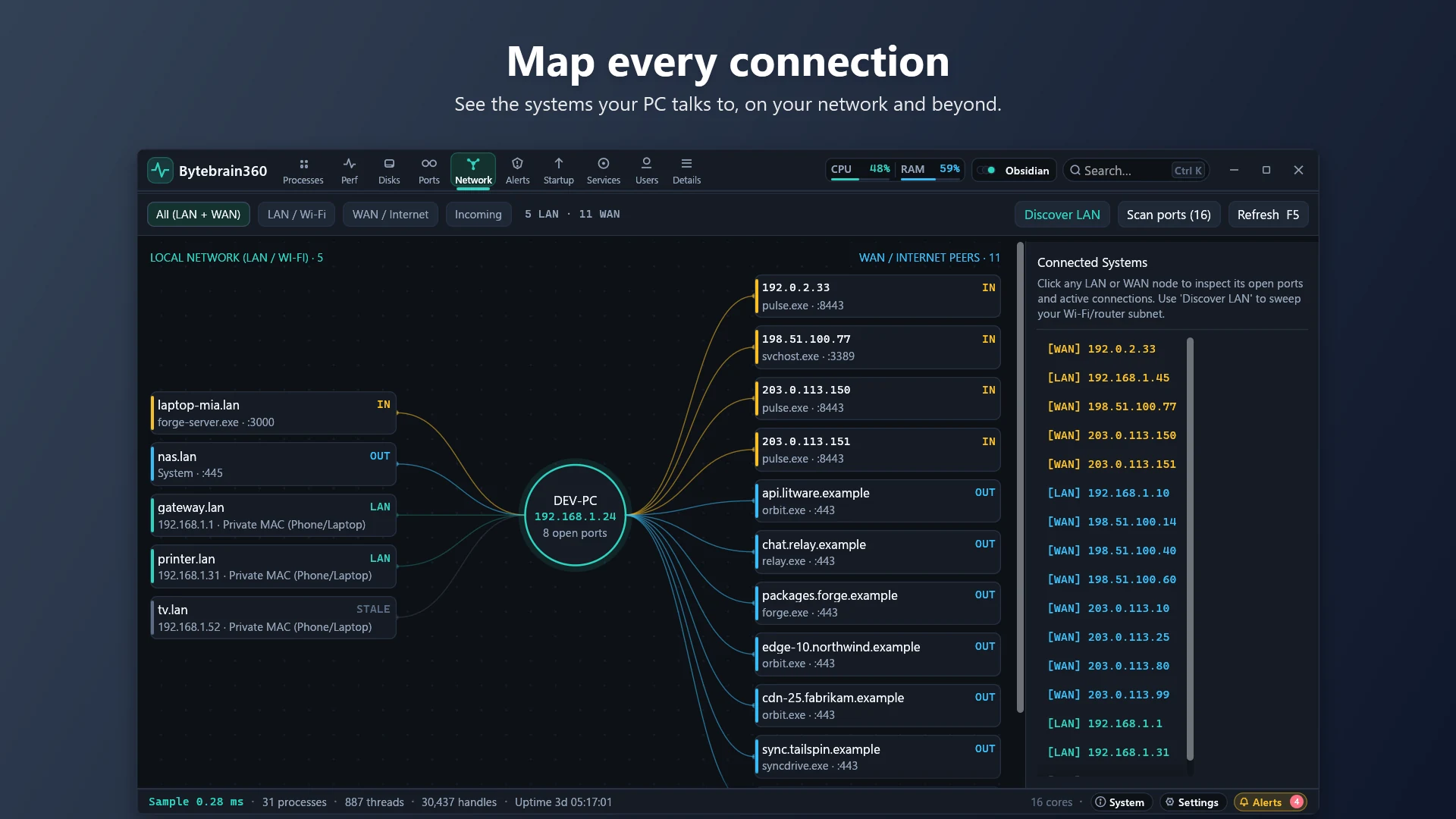
Visualize your workstation alongside discovered LAN devices and active WAN endpoints, with fast port probing built directly into the canvas.
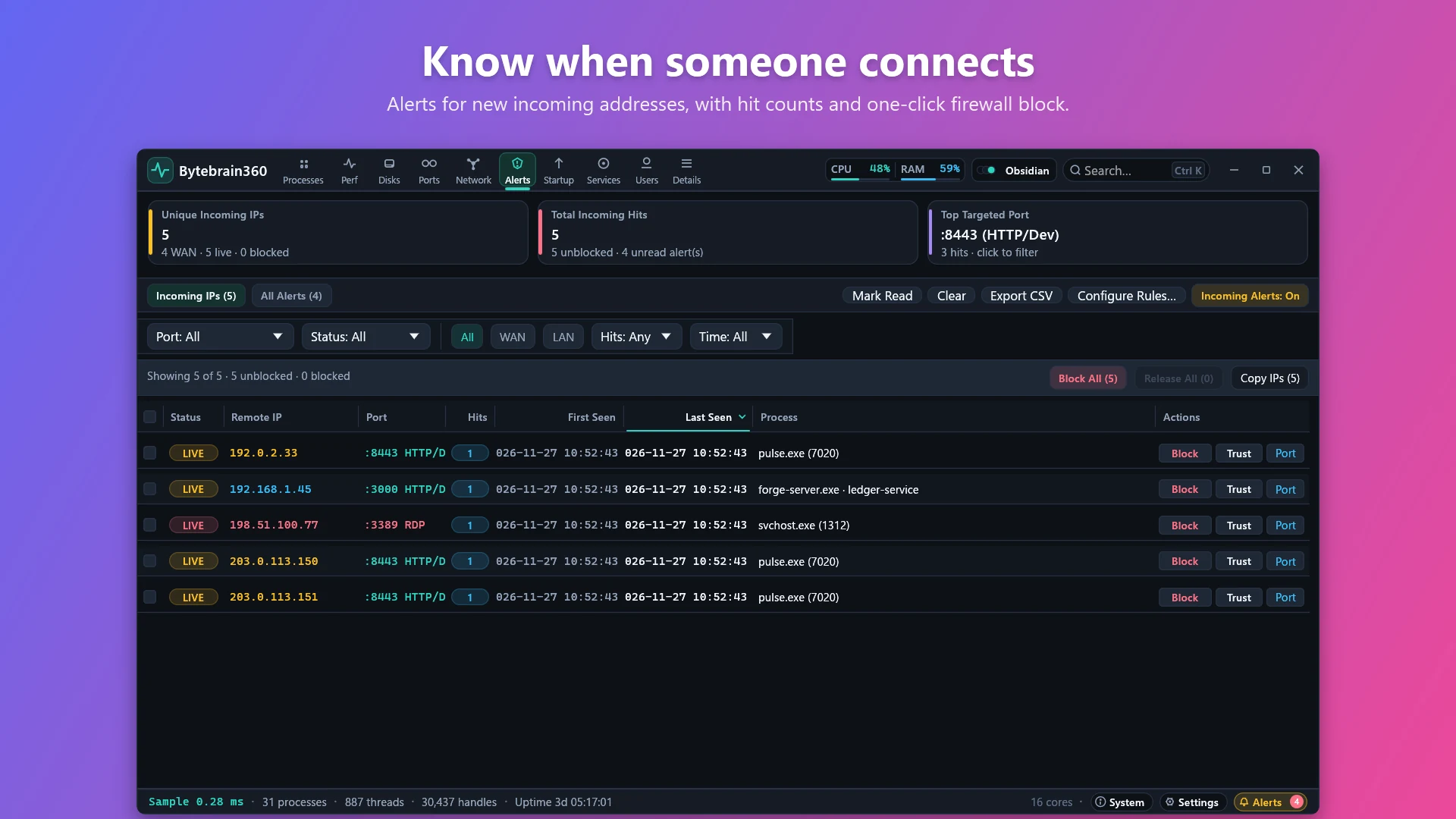
Catch unfamiliar inbound remote IPs immediately with hit-count tracking, process attribution and optional one-click firewall blocking.
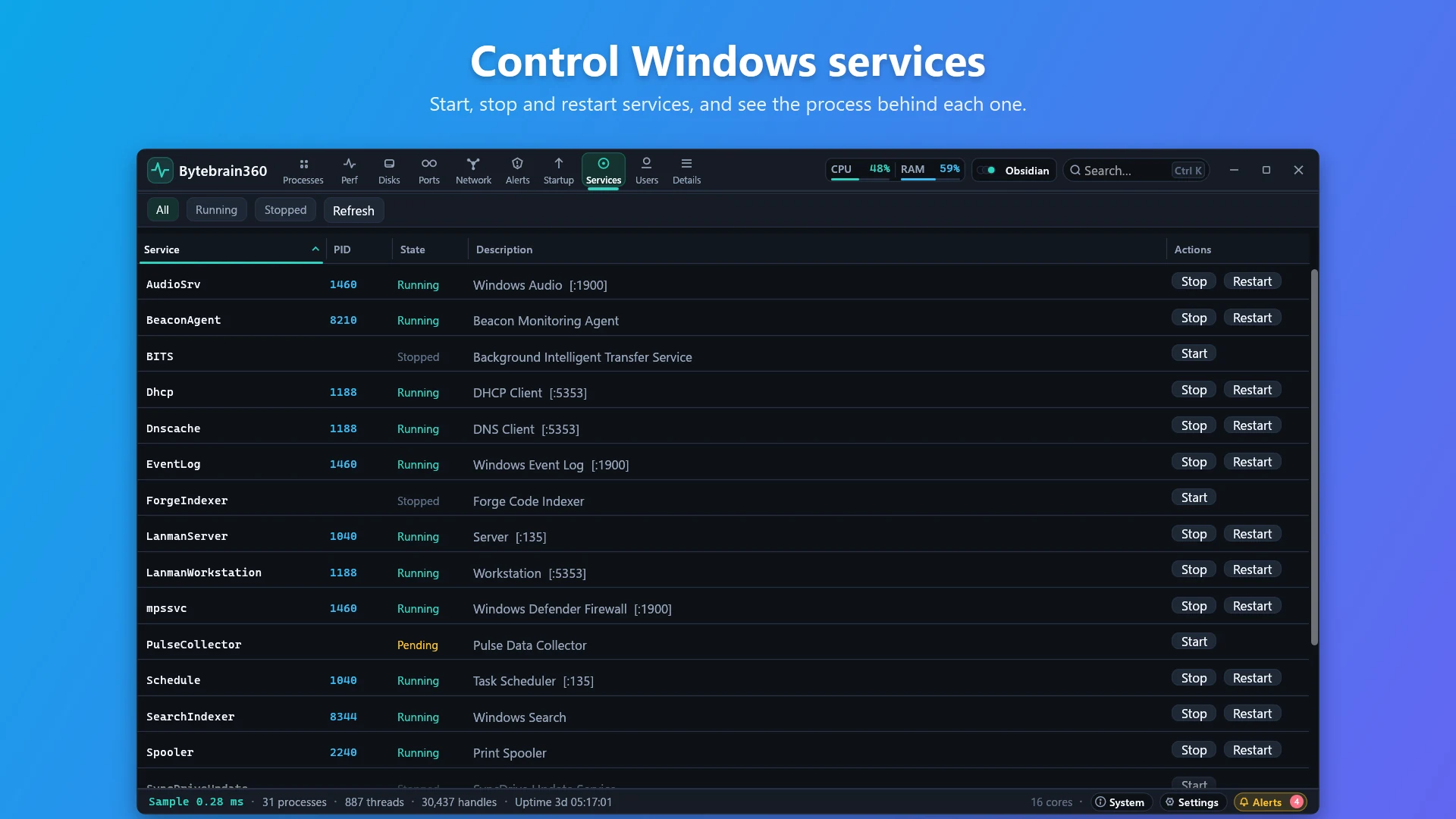
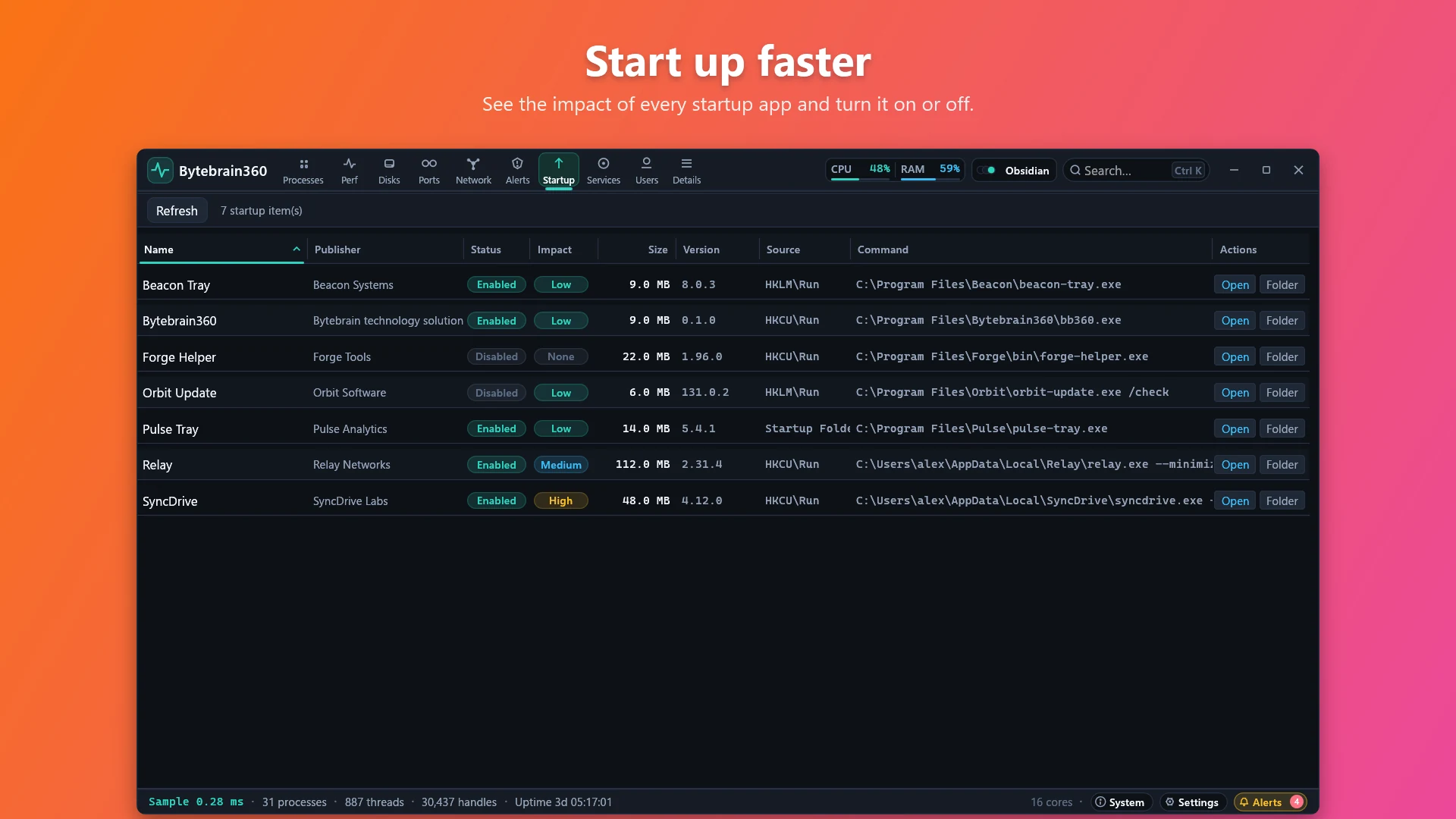
Audit startup publishers, commands and boot impact, and start, stop or restart background services without switching utilities.
Press Ctrl K from any tab to jump across processes, open ports, remote peers, services, startup items, users and system actions instantly.
Install directly from the Microsoft Store or download standalone .msi packages from GitHub Releases. Includes GPU engine counters, Wait Chain Traversal, EcoQoS Efficiency mode and Windows Firewall controls.
Supports both X11 and Wayland sessions via OpenGL (Mesa). Install cleanly with sudo apt install ./bb360_0.1.0_amd64.deb or build directly from source with Cargo.
Bytebrain360 inspects process, disk, network and system metrics directly on your machine with zero accounts, zero analytics, zero background tracking and zero external servers. Outbound actions only happen when you explicitly click Search online or Scan ports.